MESHARO

Mesh preparation for games.

Voxel remeshing, auto retopology, auto UV unwrapping, baking and LOD generation in one desktop application.

Request beta access

Free, invitation-only testing for Windows.

Approved beta testers get 25% off at launch. Offer terms
Already invited? Sign in

Mesharo

Request beta access

Tell us what you want to test.

We use these details to review your request and contact you about the beta. Privacy notice

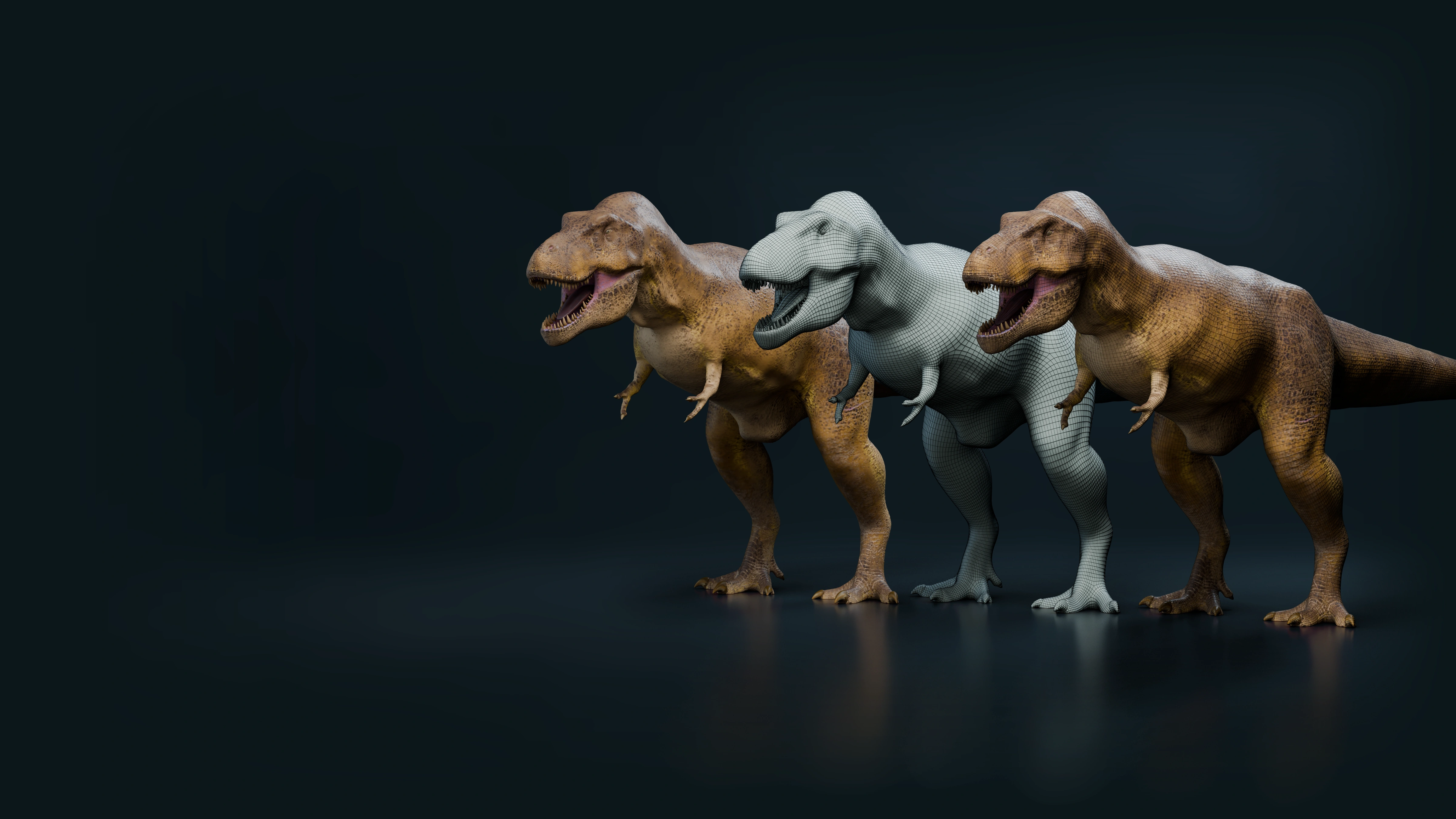
Three real T. rex models together in a dark studio: the original high-resolution sculpt with its saved polypaint, its actual retopology edges, and its baked textures
High-resolution source + paintRetopology + UVsBakes & export

One real model. Three stages.

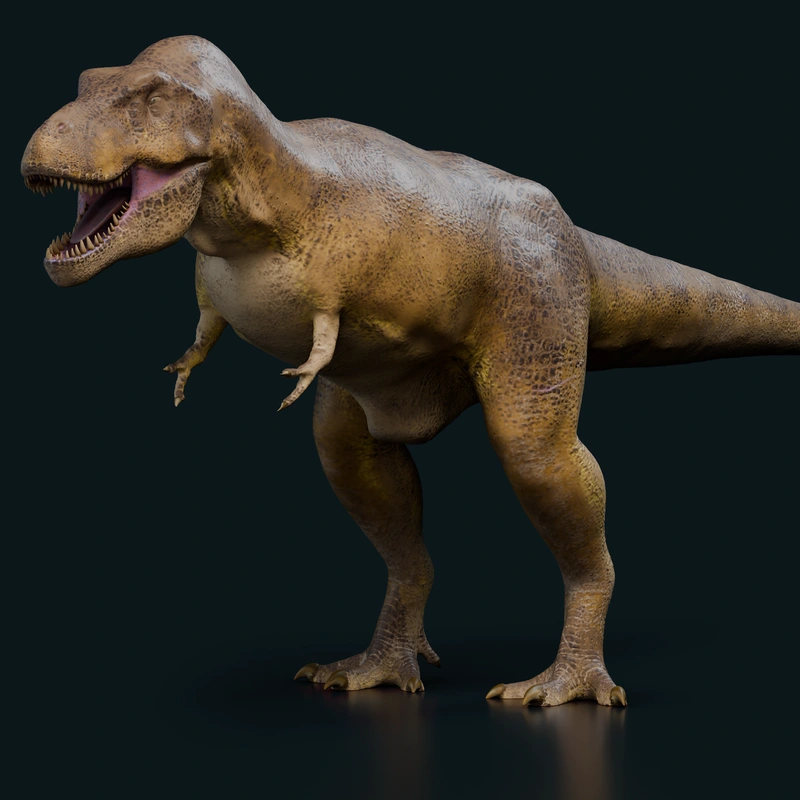
High-resolution source + paint — rendered from the original dinosaur mesh
01High-resolution source + paint
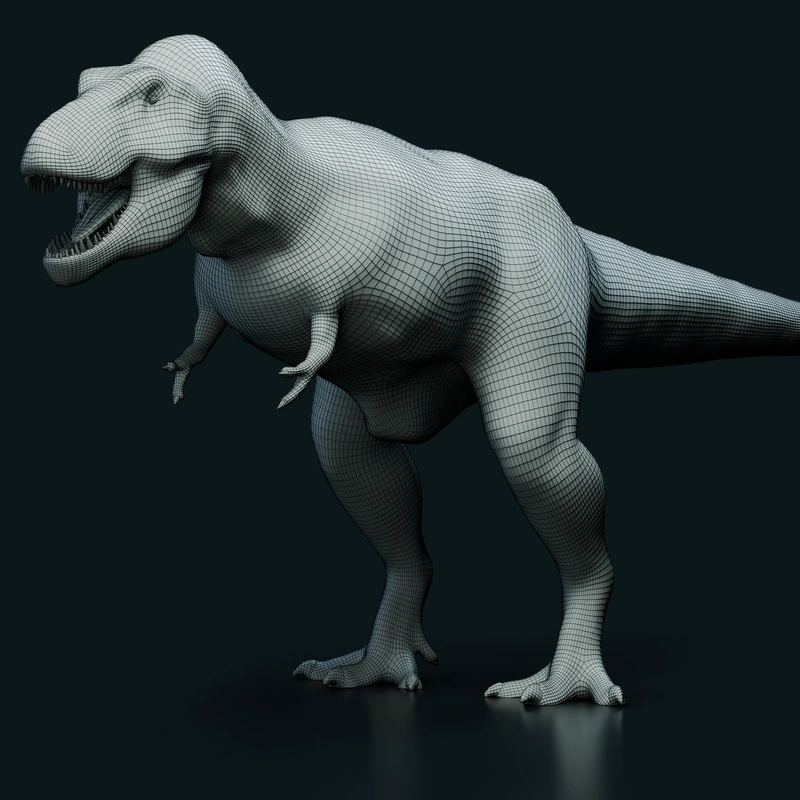
Retopology + UVs — rendered from the original dinosaur mesh
02Retopology + UVs
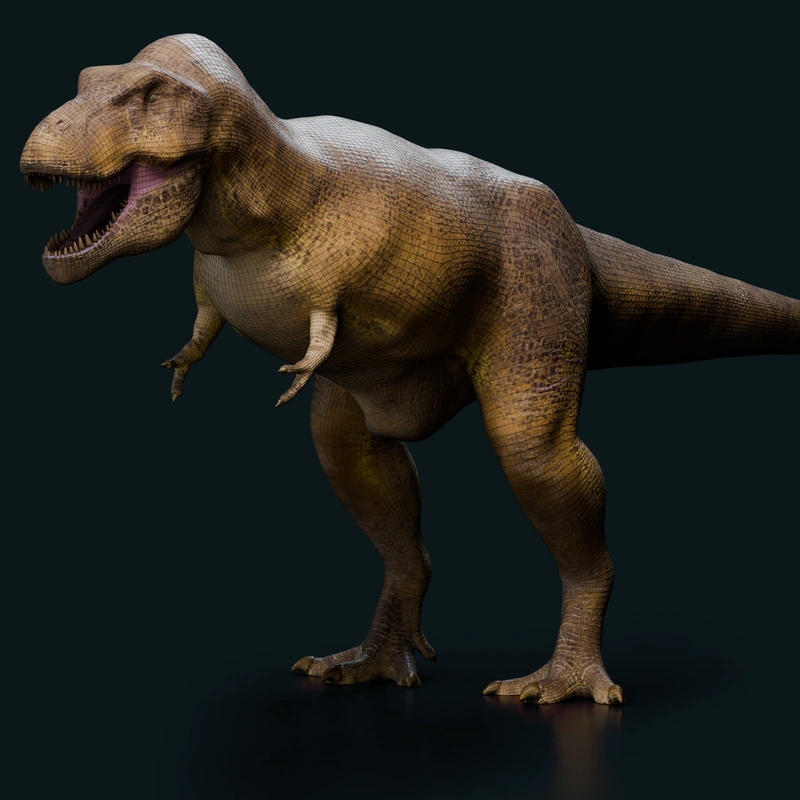
Bakes & export — rendered from the original dinosaur mesh
03Bakes & export
Explore Mesharo FROM SOURCE TO EXPORT

INSIDE MESHARO

Inspect your mesh as you work.

Adjust each processing step, inspect the UVs and review your baked textures.

PERSPECTIVE VIEW

WORK YOUR WAY

Choose how you work.

Nodes

Advanced control

Connect operations and branch into different outputs.

Explore nodes

Adjust each operation separately. Use branches to create different LODs and exports from the same mesh.

Request beta access
Guided setup

Step by step

Follow each stage from import to export.

Explore guided setup

Choose the settings for each stage, calculate it and check the result before continuing to the next step.

Request beta access
Original meshVoxel remesh

01 / VOXELS

Voxel remeshing

Rebuild the surface at your chosen voxel resolution.

More infoLess info
  • Rebuild uneven or overlapping geometry.
  • Set voxel resolution to balance detail and mesh density.
  • Use the rebuilt surface as a base for retopology.
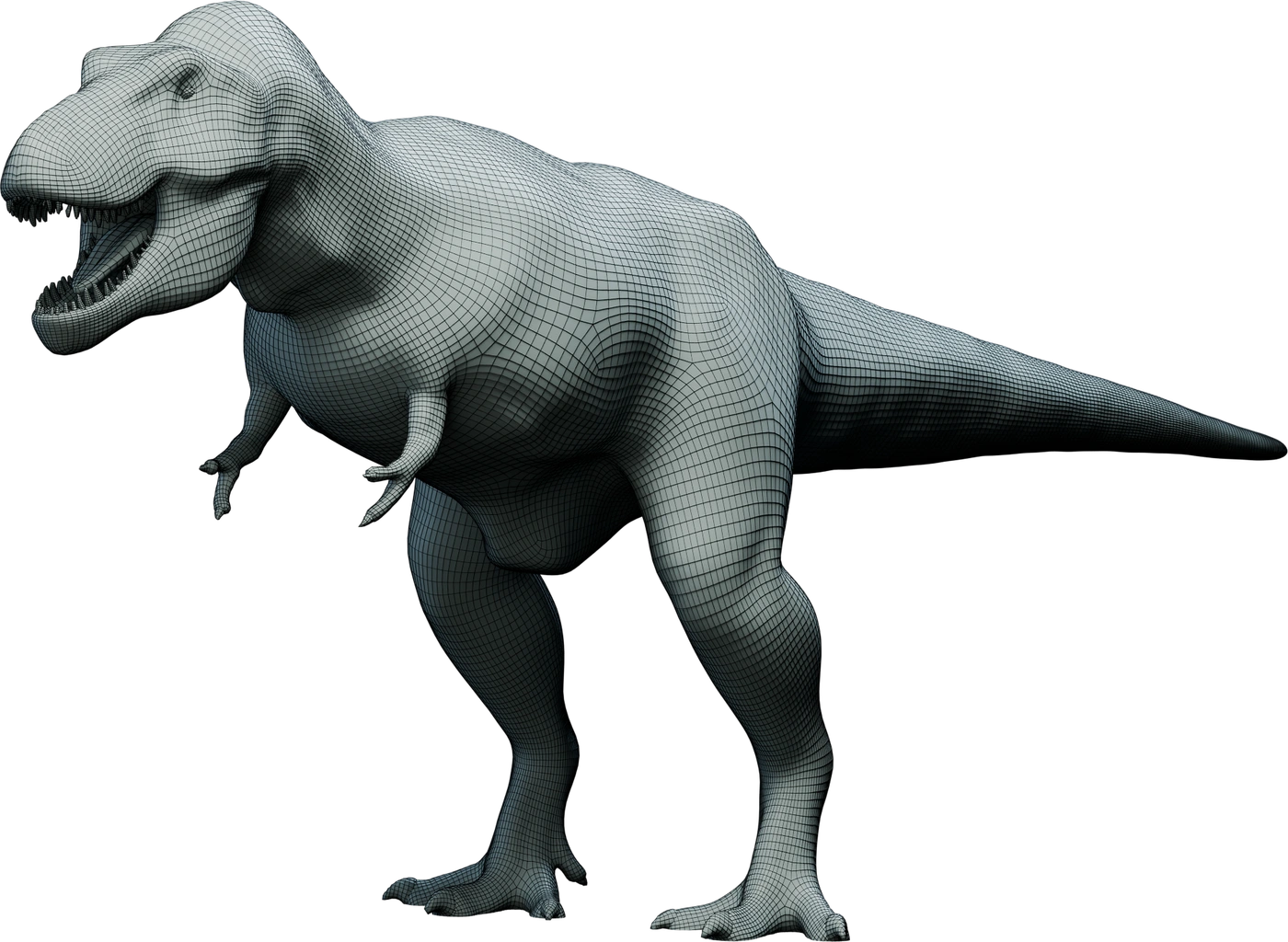
Complete retopologized dinosaur with its actual polygon edges
Retopologized mesh

02 / RETOPOLOGY

Automatic retopology

Generate new topology at your chosen polygon count.

More infoLess info
  • Generate a lighter polygon layout from the source.
  • Set detail for the whole asset or individual parts.
  • Inspect edge flow before UVs and baking.
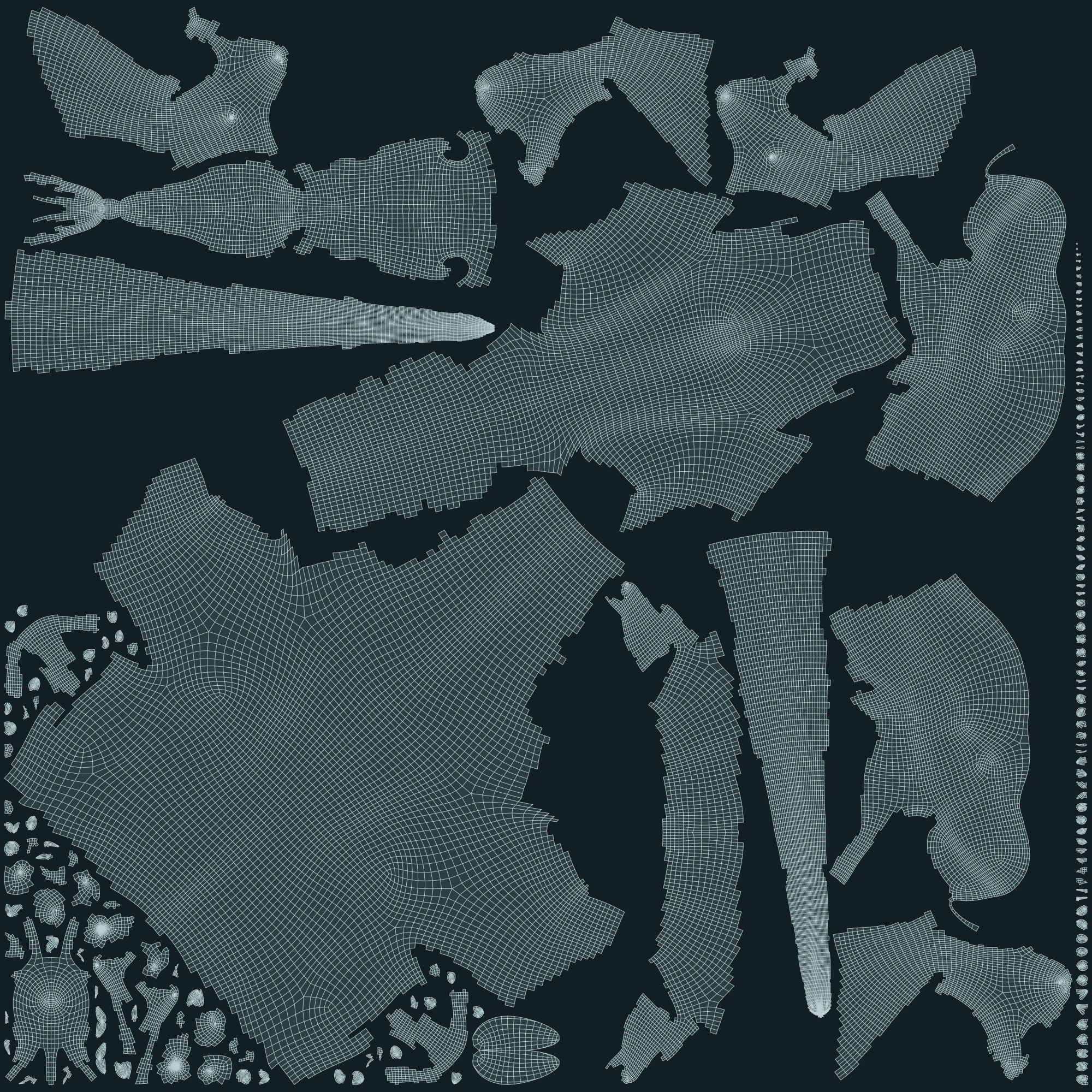
Exact saved UV islands and polygon edges
Checker previewPacked UVs

03 / UV

Automatic UV unwrapping

Unwrap the mesh and pack its UV islands.

More infoLess info
  • Unwrap the mesh and pack its UV islands.
  • Review the layout alongside the model.
  • Check stretching and scale with the checker preview.

04 / BAKING

Texture baking

Bake normal, colour and occlusion maps from the high-resolution source.

Surface normalsTextured mesh
More infoLess info
  • Transfer source detail into normal, colour and occlusion maps.
  • Choose texture resolution and projection settings.
  • Preview shown: surface normals, not the exported texture.

05 / LODS

Automatic LOD generation

Create lower-detail meshes for use at different distances.

LOD0LOD1LOD2
More infoLess info
  • Generate lighter meshes for distant views.
  • Compare silhouettes and detail at each level.
  • Set up distance switching in your game engine.

06 / EXPORT

Export meshes and textures

Export the mesh, baked textures and LODs.

Mesh
Textures
LODs
More infoLess info
  • Export meshes with UVs, baked textures and LODs.
  • Choose a mesh format and the texture maps to export.
  • Keep every export you make during the trial.

BEFORE YOU APPLY

Frequently asked
questions.

What to expect from the beta.

Setup & support
Who is the beta for?

Artists working with sculpted models, scans or game assets who can try their normal workflow and report problems.

Does it cost anything?

No. Beta access is free, time-limited and for non-commercial testing. Applying does not create a paid subscription.

What will Mesharo cost after the beta?

Planned launch prices are €99 for Indie and €199 per seat for Studio, paid once. Standard prices are €149 and €299 per seat. Both include commercial use and 12 months of updates; you can keep using the last version covered by your licence. Indie is for individuals and companies with up to 10 employees; Studio is for larger companies. Proposed prices include 21% Dutch VAT.

Do beta testers get a discount?

Approved beta testers get 25% off one licence at launch: €74.25 for Indie or €149.25 for one Studio seat. Redeem within 30 days of public launch. The discount cannot be combined with additional offers. Buying is optional.

How long does access last?

The initial invitation normally covers 30 days. Your account shows the exact expiry. The app needs an internet connection at least once every 24 hours.

Will everyone get an invitation?

We review requests manually and invite people in small groups. There is no guaranteed place or response date.

What happens to my work?

Projects and exported files stay on your computer. Keep backups; this is unfinished software. Expiry stops new processing, not access to saved results.

MESHARO CLOSED BETA

Try it with your own mesh.

Test the workflow from import to export, and let us know what needs improving.

Request beta access